InterviewOra
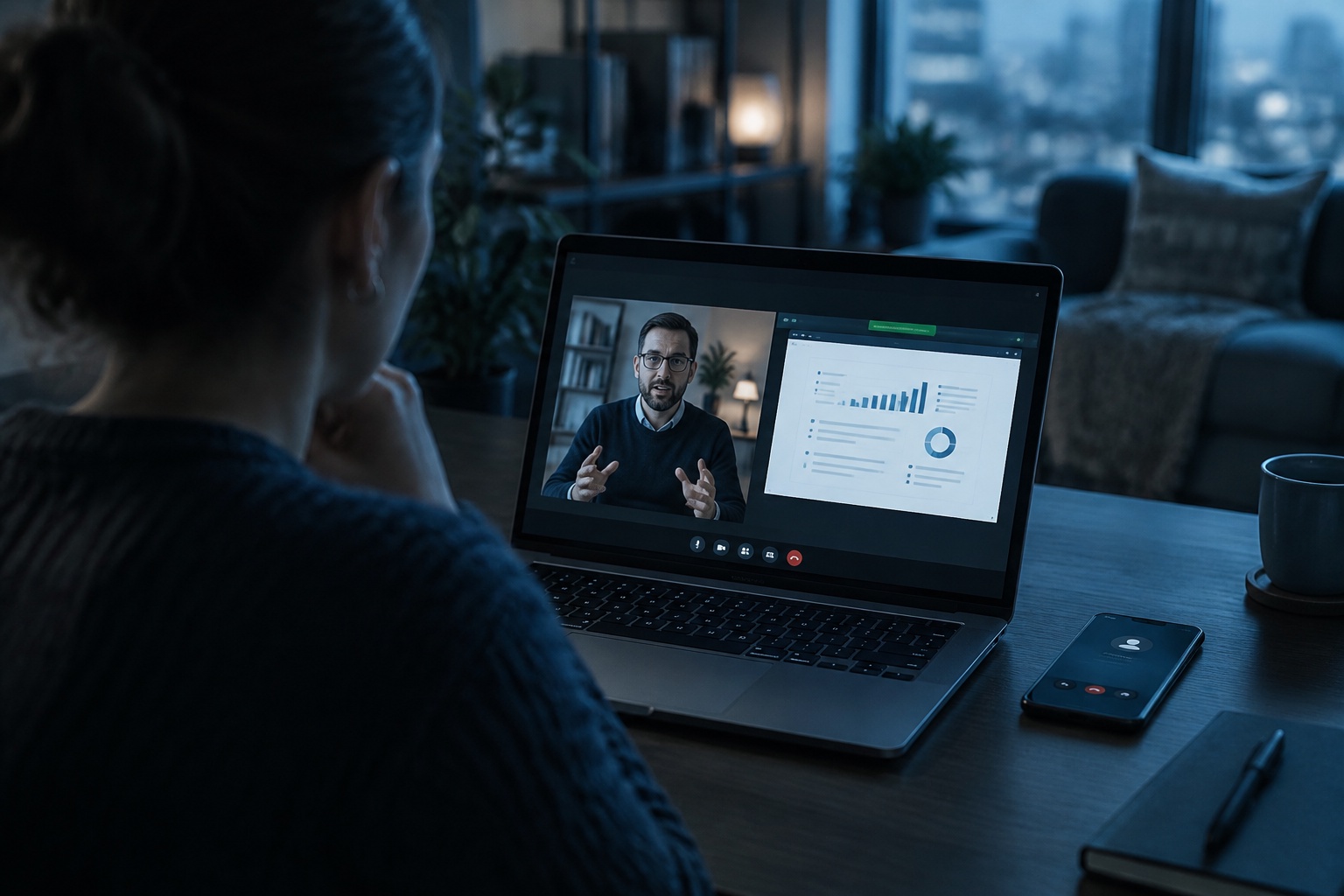
If you are thinking about using an AI interview copilot, the first question is almost always the same: can the interviewer tell? The honest answer depends on three things: what the meeting app can technically see, what you share on screen, and how you behave while you answer.
This guide breaks down each one for Zoom, Microsoft Teams and Google Meet, so you know exactly where the real risks are before your interview.
Quick answer
Zoom, Teams and Google Meet do not report the other apps, windows or browser tabs on your computer to the interviewer. They see your camera, your microphone and whatever you choose to screen share. The real ways candidates get noticed are sharing the wrong screen, running a required proctoring or monitoring tool, and delivery: reading text, long pauses, and eyes that keep drifting to one spot.
What Zoom, Teams and Google Meet can see
- Your camera feed and your microphone audio.
- Whatever you screen share: one window, one browser tab, or the entire screen.
- Meeting level data like join time, your display name and whether your camera or mic is on.
None of the three apps has a host feature that lists the programs or tabs a participant has open. Zoom removed its old attention tracking feature in 2020, and Teams and Meet do not offer one for regular meetings.
Can interviewers see AI tools during screen share?
This is where most people get caught, and it is fully in your control. What the interviewer sees depends on what you share:
- Entire screen: everything visible on that monitor is visible to them, including any overlay, sidebar or second tab you switch to.
- A single window or app: they see only that window. Other windows stay private, but anything you drag on top of it may show.
- A single browser tab (Google Meet and Chrome): they see only that tab, even if you switch tabs on your side.
Rule of thumb: in coding or presentation rounds, share a single window or tab, never the entire screen. Do a test share with a friend first and ask them to describe exactly what they see.
Can they hear or detect the AI listening?
A browser based copilot listens through your microphone or a captured tab. That audio is not sent into the meeting, so the interviewer hears nothing extra. The only audio risk is your own: if a tool reads answers out loud through your speakers, your mic picks it up. Keep any spoken output on headphones, or use text only.
When detection is real: proctoring and assessment platforms
The situation changes when the company asks you to install or open a monitoring tool. Online assessment and proctoring platforms can record your full screen, require a locked down browser, track tab switches, or watch your webcam for eye movement. If an interview requires one of these, assume anything on that computer can be seen.
Read the invite carefully. A normal Zoom, Teams or Meet link is a meeting. A link to an assessment platform with a browser extension or download is a monitored test.
The real giveaway: how you answer
Experienced interviewers rarely catch tools through software. They notice behavior. The common tells are:
- Eyes fixed on one corner of the screen while you talk.
- A long silence after every question, then a perfectly structured answer.
- Answers that sound written: full sentences, no filler, words you would not normally use.
- Not being able to go deeper when they ask a follow up.
- Typing sounds while you are supposed to be thinking.
Use AI answers as talking points, not a script. Glance, then speak in your own words, with your own examples. Our guide to the STAR method shows how to turn a bullet into a natural story.
A safer setup checklist
- Place the copilot window right under your camera so your eyes stay near the lens.
- Share a single window or tab, never the entire screen.
- Wear headphones so no audio leaks into your mic.
- Test everything in a mock call with a friend the day before.
- Practice out loud first with an AI mock interview, so the live answers only fill gaps.
You can run that practice with the AI mock interview and use the AI interview copilot for the live call. For recruiter screens on the phone, the AI phone interview copilot works the same way.
Should you use an AI copilot at all?
Some companies explicitly ban AI help during interviews, and getting caught can end the process. Check the company's rules. The best use of a copilot is as a safety net: a reminder of the story you prepared, a key number, or the structure of an answer you already know. If you cannot explain an answer without the tool, it will not help you in the job either.
Be skeptical of any tool that promises to be 100 percent undetectable. No software can control what you share, what monitoring the company runs, or how you come across on camera.
FAQ
Can Zoom detect AI tools? No. Zoom does not tell the host what other apps or tabs you have open. The host only sees what you screen share.
Can Microsoft Teams detect other tabs? No, not in a normal meeting. Teams shows only your camera, audio and shared content.
Can Google Meet see other tabs? Only if you share your entire screen or the tab itself. Sharing a single tab keeps the others private.
Can interviewers tell if you are reading? Often, yes. Eye movement, pauses and scripted wording are the most common signs, which is why answers should be talking points, not scripts.
Is using an AI interview assistant allowed? It depends on the company. Some forbid it, so read the interview instructions before you decide.
Try InterviewOra free
Real-time AI coaching during your interviews. No credit card required to get started.
See plans